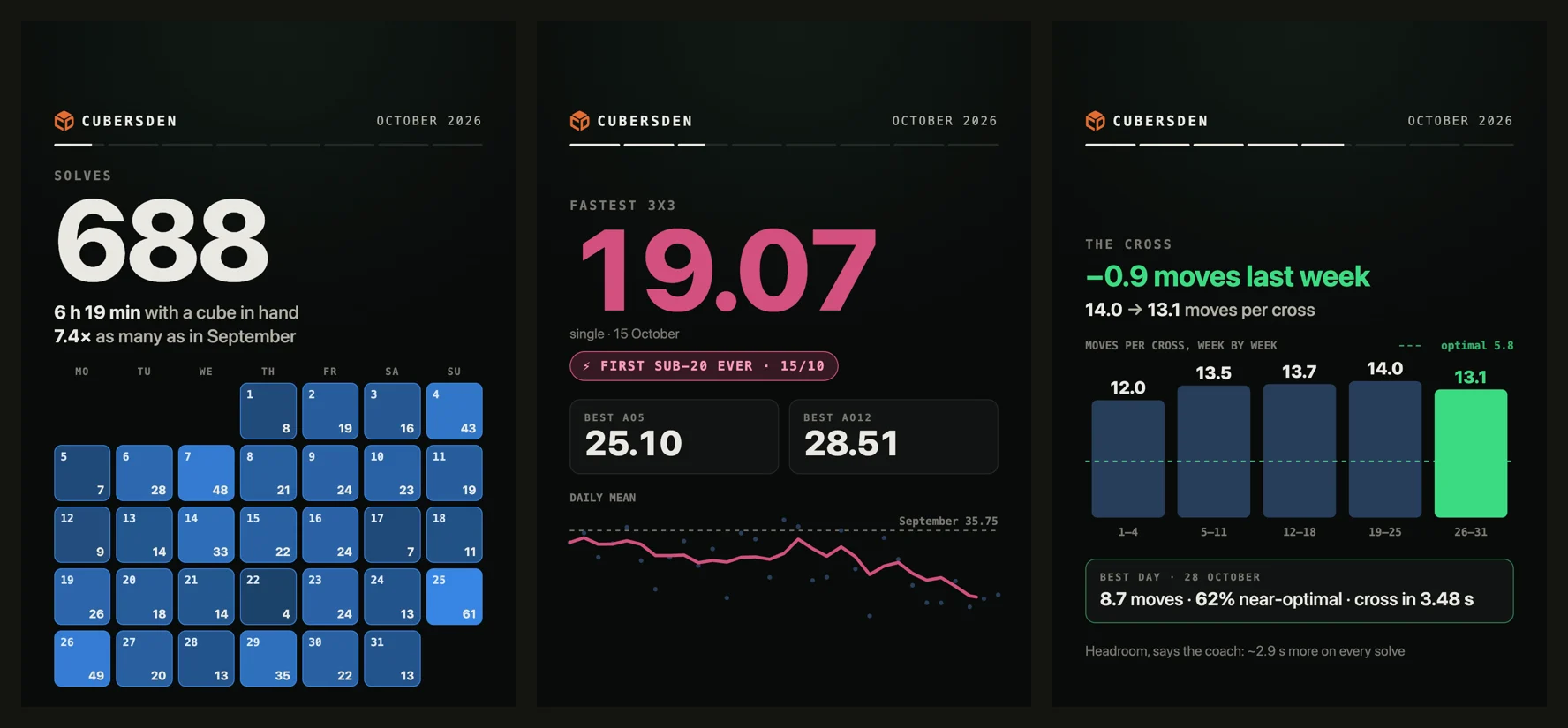
It is the 1st of November, so October is done. At cubersden.com/wrapped a short film of your month is waiting: how many solves, the hour you cube at, your fastest time, your cross and the algorithms you met. The pictures below come from Arvind, who makes CubersDen.
Your month, as a film
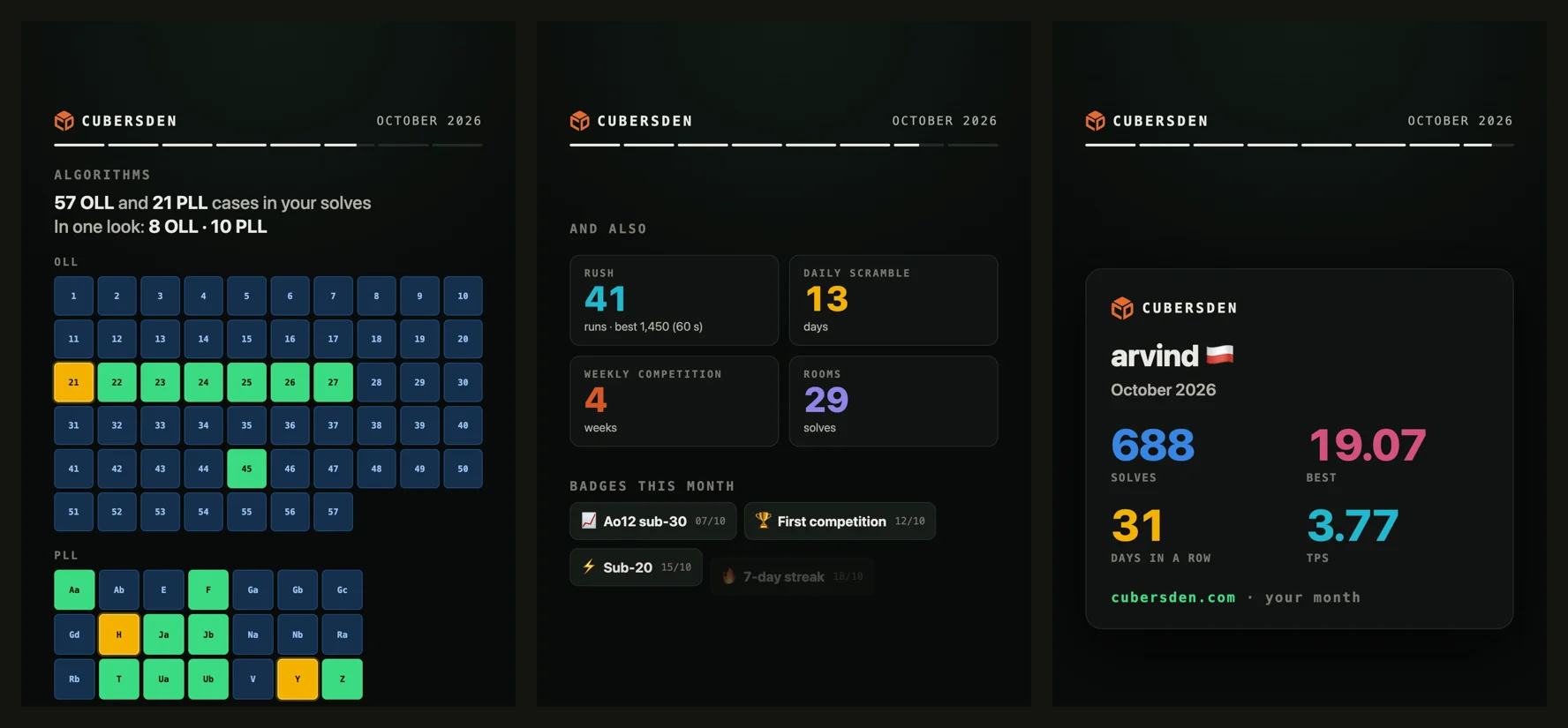
The film is about 40 seconds long and is made only from your own solves. You see your calendar with every day you picked up the cube, your best single and averages, and how your daily mean moved. If you solve on a smart cube, the film also takes your solve apart into cross, F2L and last layer, shows how your cross changed week by week, and which OLL and PLL cases you met and did in one look.
Save it and share it
Under the film there is a Save the video button. The video is made right in your browser tab while the film plays, so it takes about 40 seconds. After that it is a normal video file you can send to friends or post. Posting it on Instagram? Tag @cubersden, our new profile, and we may share it.
For now the film lives on the web. Sign in on cubersden.com with the same account you use in the app, and your solves from iPhone, Android and Apple TV are all in it. If you solved at least five times in October, a strip at the top of the site reminds you about your film until 10 November.
A clip of any solve
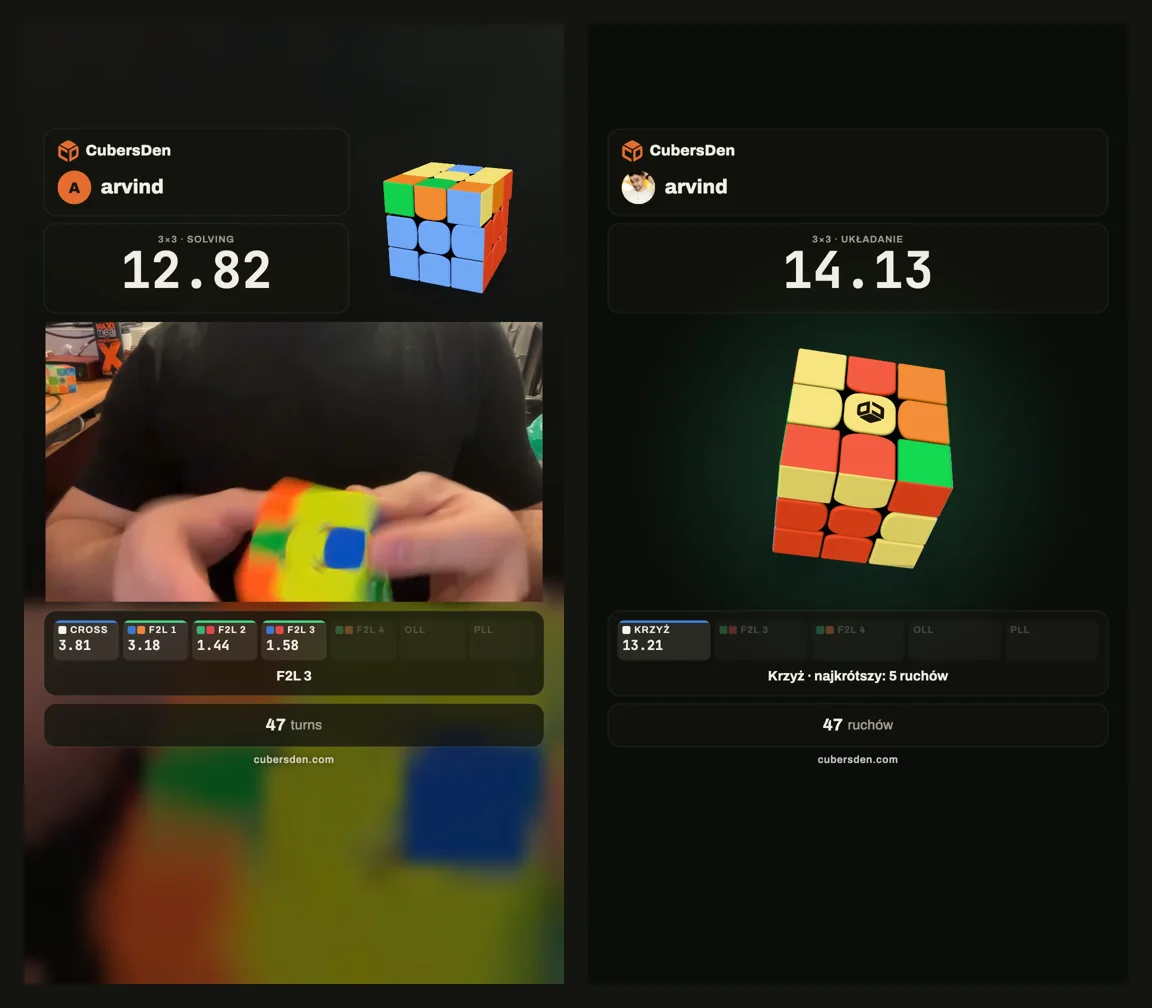
The second new thing: any solve can now be a short video with your time on it, ready for Reels, TikTok, Shorts or YouTube.
Film yourself
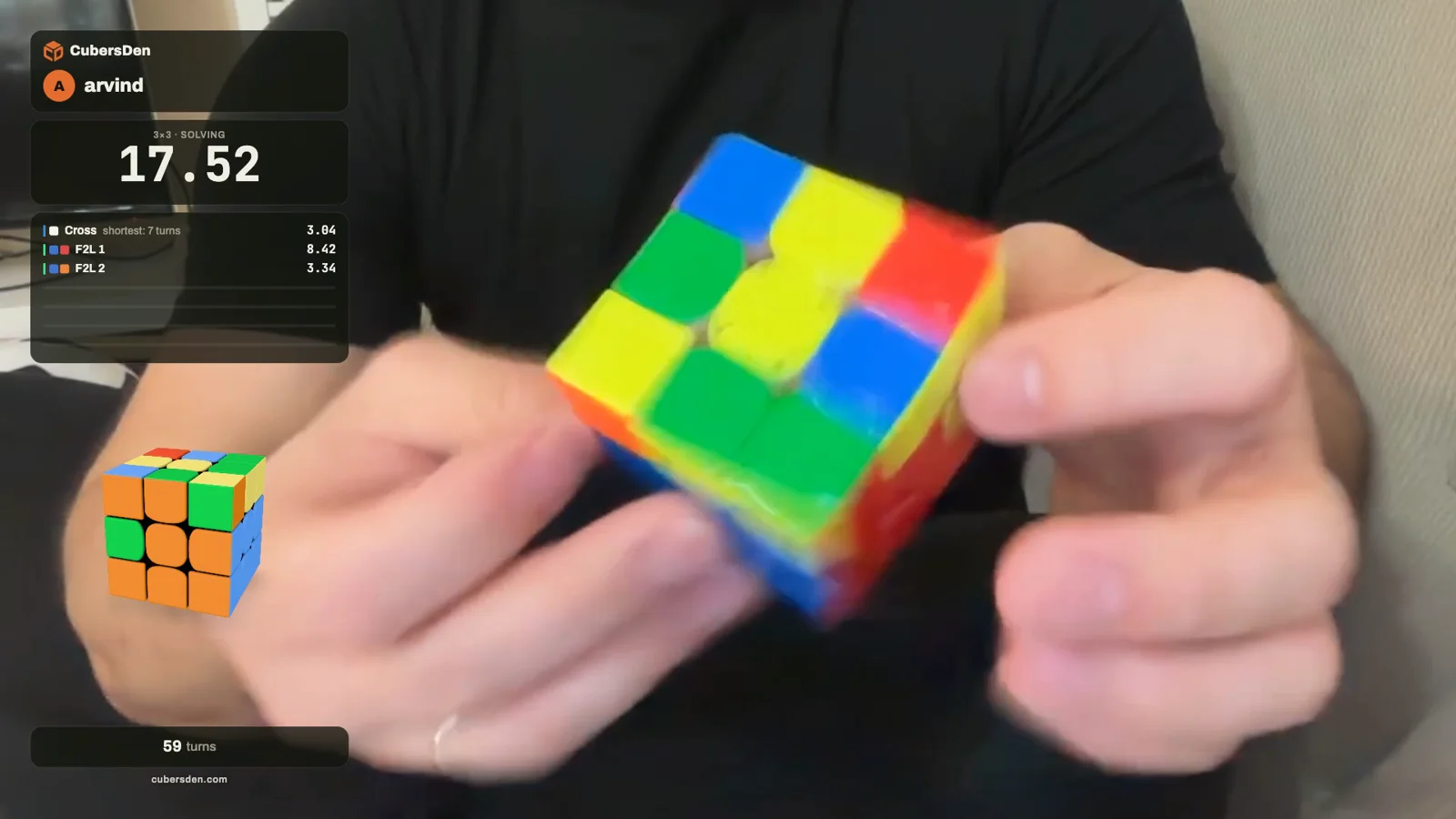
In the timer, tap Record. The camera keeps only the solve itself, from the start to 3 seconds after you stop, so there is nothing to cut. The clip shows your time, the scramble and the cube. With a smart cube it also lights up each stage the moment you finish it: the cross, every F2L pair in its own colours, OLL and PLL. Clips stay in your tab, and nothing goes to your disk until you click Save clip.
Nobody filmed it? The 3D cube will
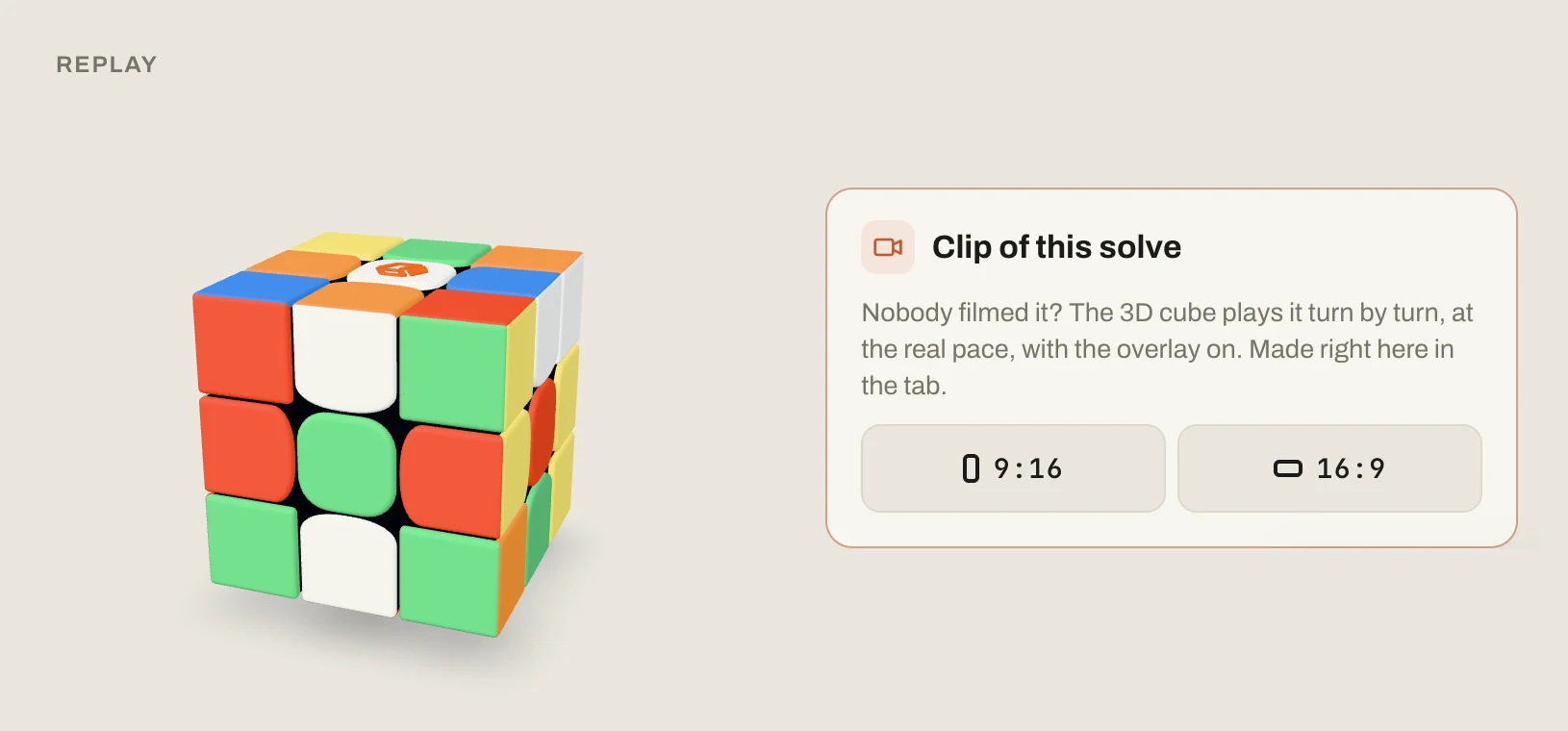
Every smart cube solve has its own page with a replay, and under it there is now a Clip of this solve card. The 3D cube plays your solve turn by turn, at your real pace. If your cube has a gyro, like the MoYu V10 AI, the clip even turns the cube the way you held it.
Where to find it
- Your film: cubersden.com/wrapped
- Camera clips: the Record button in the timer
- Clips of smart cube solves: open any solve from your sessions and look under the replay
Saving videos works best in Chrome, Edge and Firefox on a computer. If something does not work on your phone, tell us in the comments under this article. And all of it is free, like everything on CubersDen.