Since early November the CubersDen website can make a clip of a solve saved from a smart cube. Now the phone app does the same, so the video is made where most of you are anyway. Apple and Google approved version 1.16 on Saturday 8 November. In every picture below the iPhone is on the left and the Android phone on the right.
Make a clip
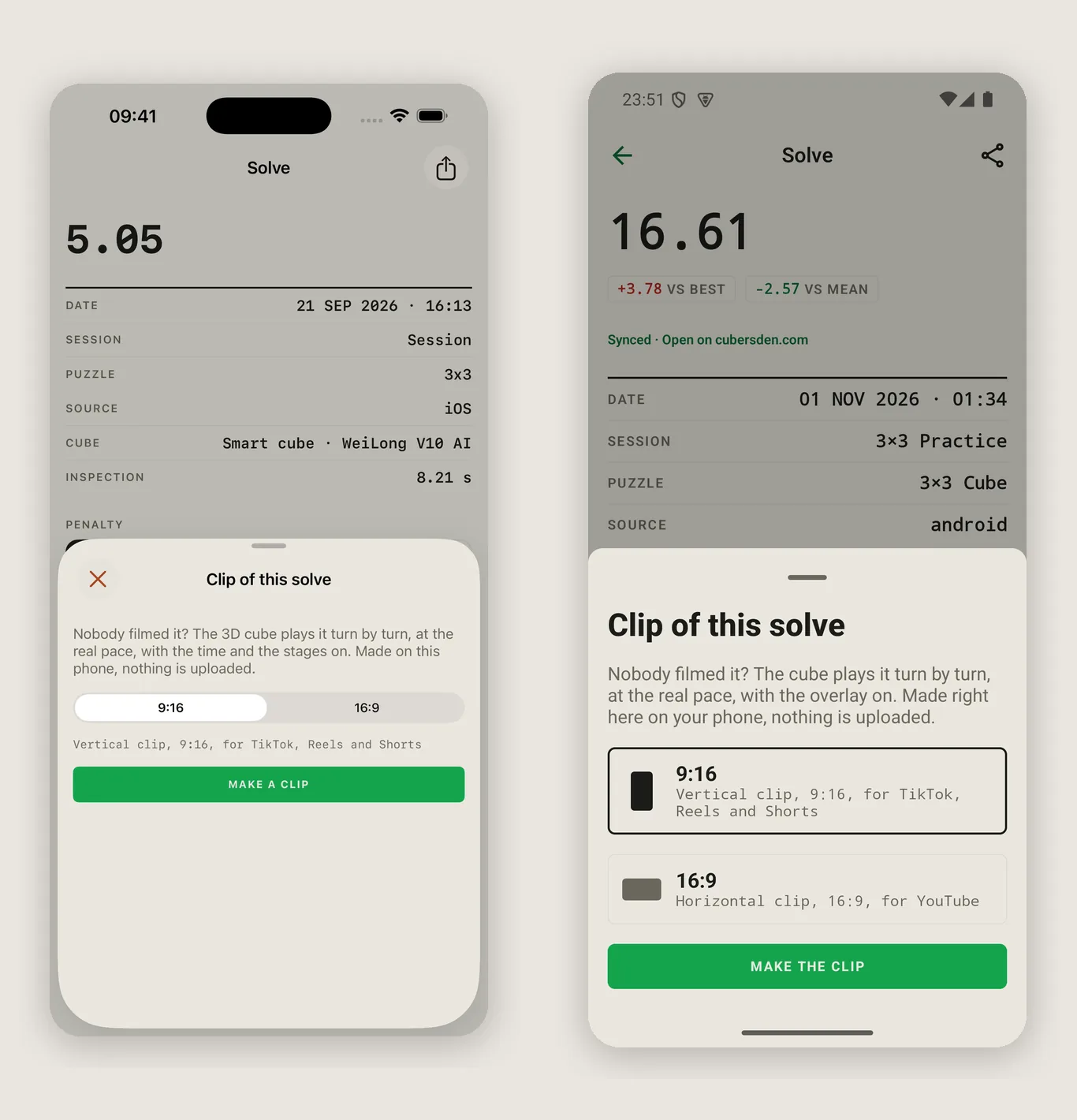
Open one of your smart-cube solves and tap Make a clip. The only choice is the shape: 9:16 tall for TikTok, Reels and Shorts, or 16:9 wide for YouTube and everything else. The clip is made on your phone, nothing is uploaded anywhere, and you share the finished file like any other video.
The cube plays it again
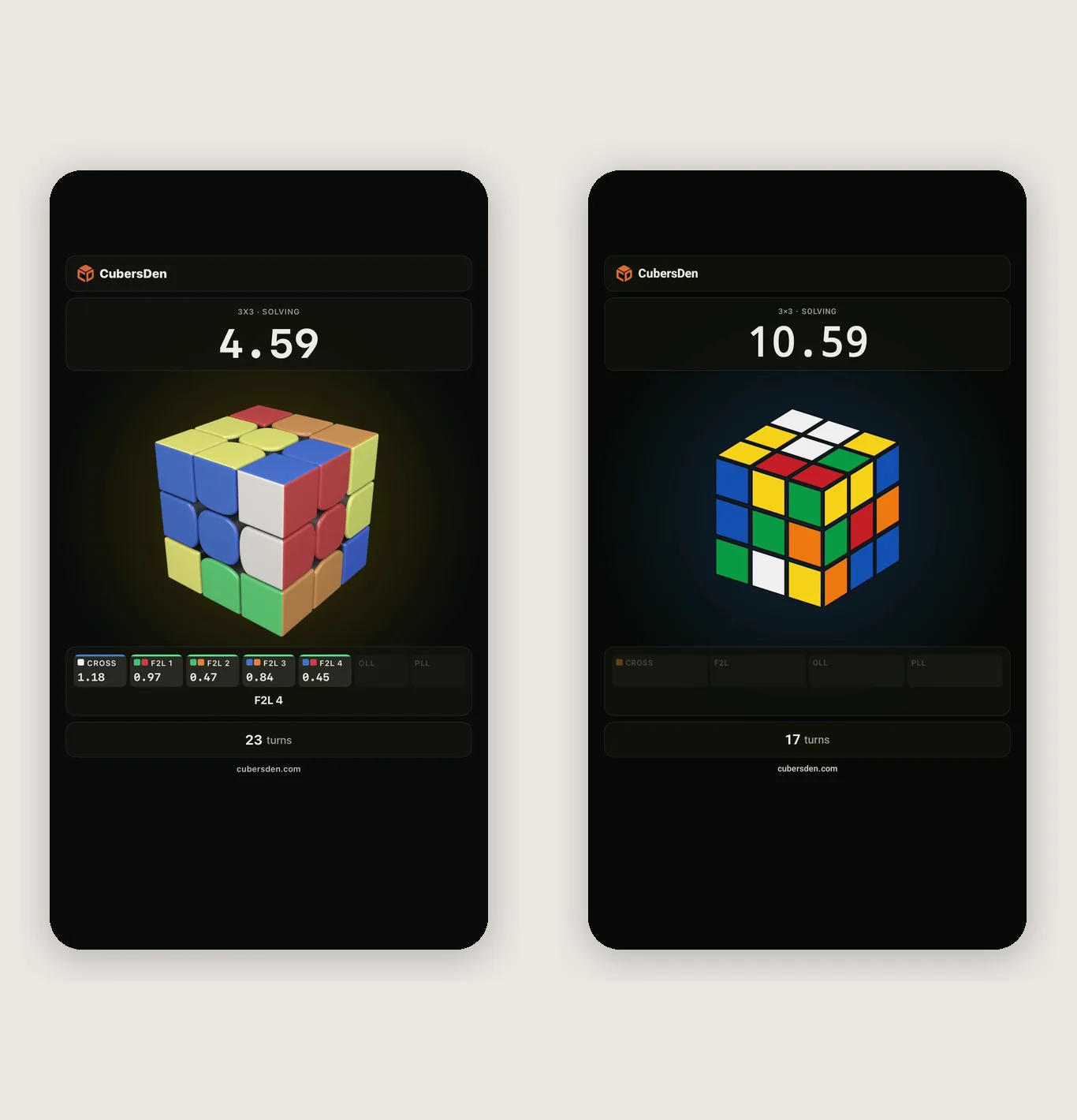
The clip opens with the scramble and the inspection countdown, then the cube makes your turns at exactly the pace your smart cube made them. The clock runs, and the stages light up along the bottom: cross, F2L pairs, OLL, PLL, each with its time. If your cube also sends its orientation (MoYu WeiLong V10 AI, GAN), the clip turns the cube the way it turned in your hands. The whole thing is 30 seconds at most, so it fits a story without cutting.
The card at the end
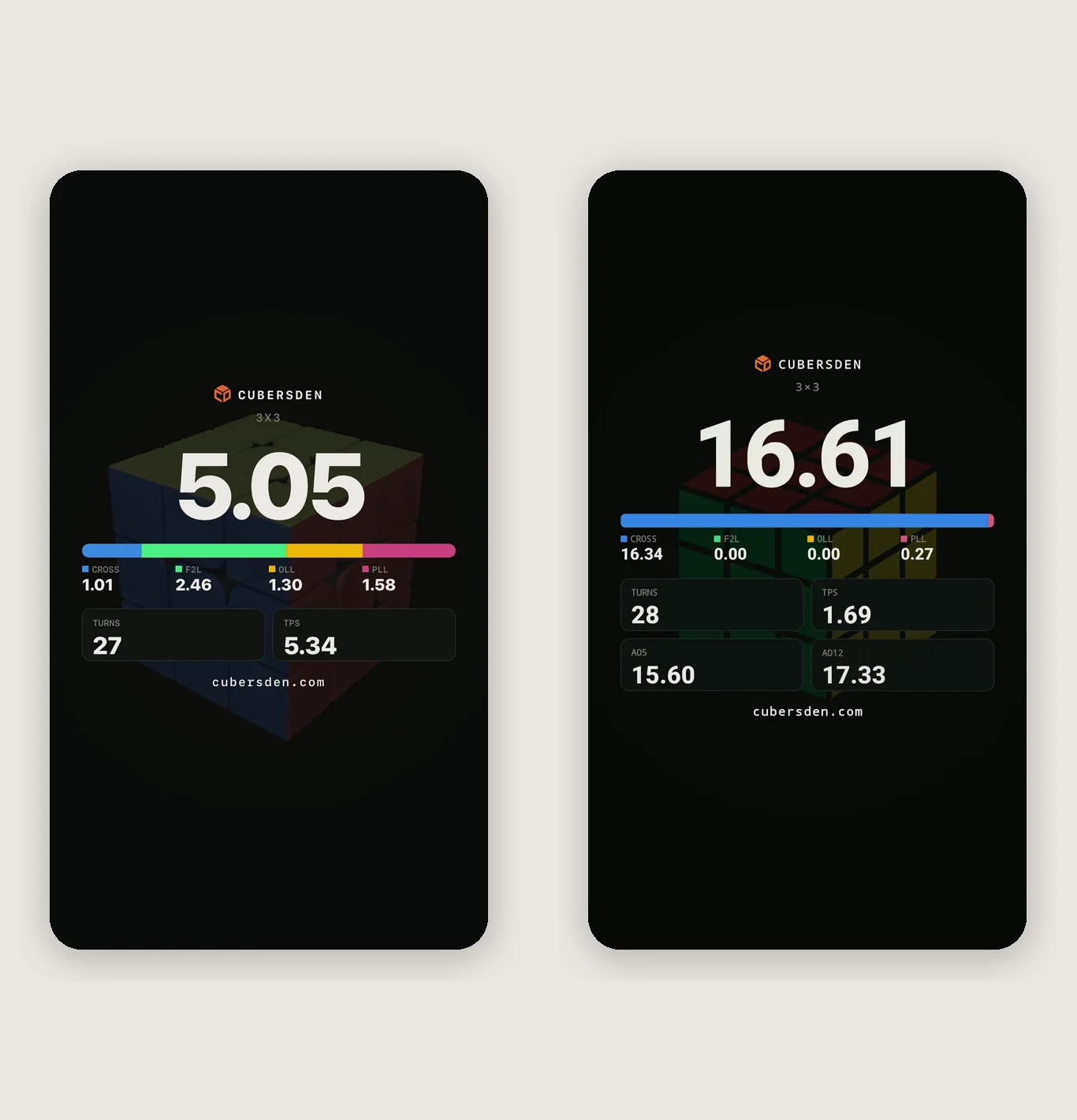
The last seconds are a result card: your time, the stage times, the number of turns, TPS, and the ao5 and ao12 when the session already has enough solves for them. If it was your record, the card says so. That way the clip works with the sound off and without a caption, because everything is on the picture.
Typed time above the keyboard again
One of you told us that on 4x4 the typed-time field hid under the keyboard. In 1.16 the field, the +2 and DNF buttons and Save sit above the keyboard on every puzzle. Thank you for the report, messages like that really do end up in the app.
Where to get it
Update CubersDen on the App Store or on Google Play. A clip needs a solve saved from a smart cube, because it replays the real turns; a solve timed with the phone alone has nothing to show. You can make the same clips on the page of any of your solves on cubersden.com. If you post one on TikTok or Instagram, tag @cubersden, we would love to see it.