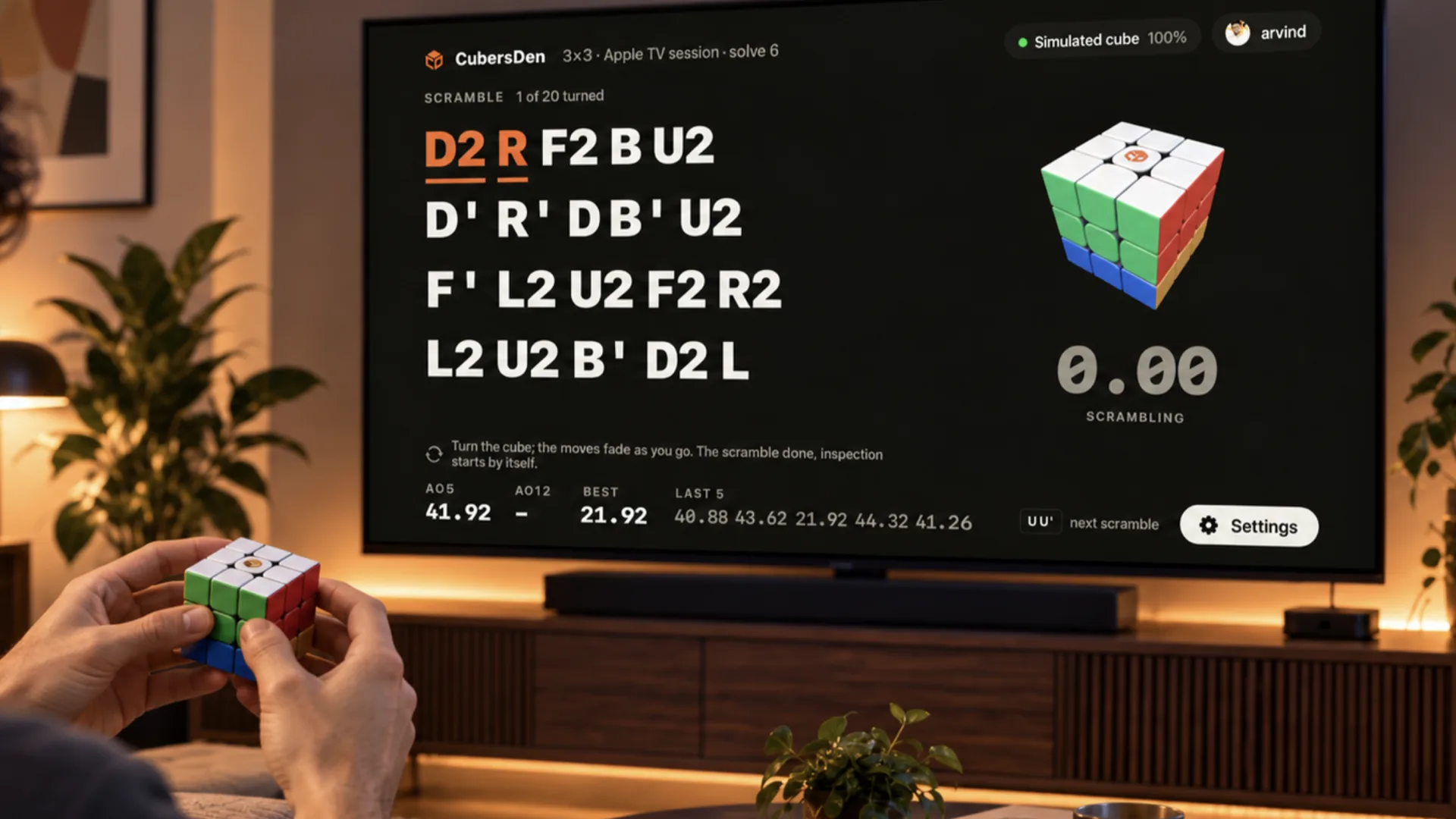
Yesterday Apple showed a new Apple TV. Today CubersDen has an app for it. It is the simplest screen we have ever made: one cube, one person, the whole evening.
What it does
You connect a smart cube (GAN, MoYu WeiLong V10 AI, XMD Tornado V4 AI or QiYi AI) over Bluetooth, or a GAN Smart Timer if you solve on pads. Then you scramble by the letters on the screen. The moves you have already turned fade out, so you always know where you are.
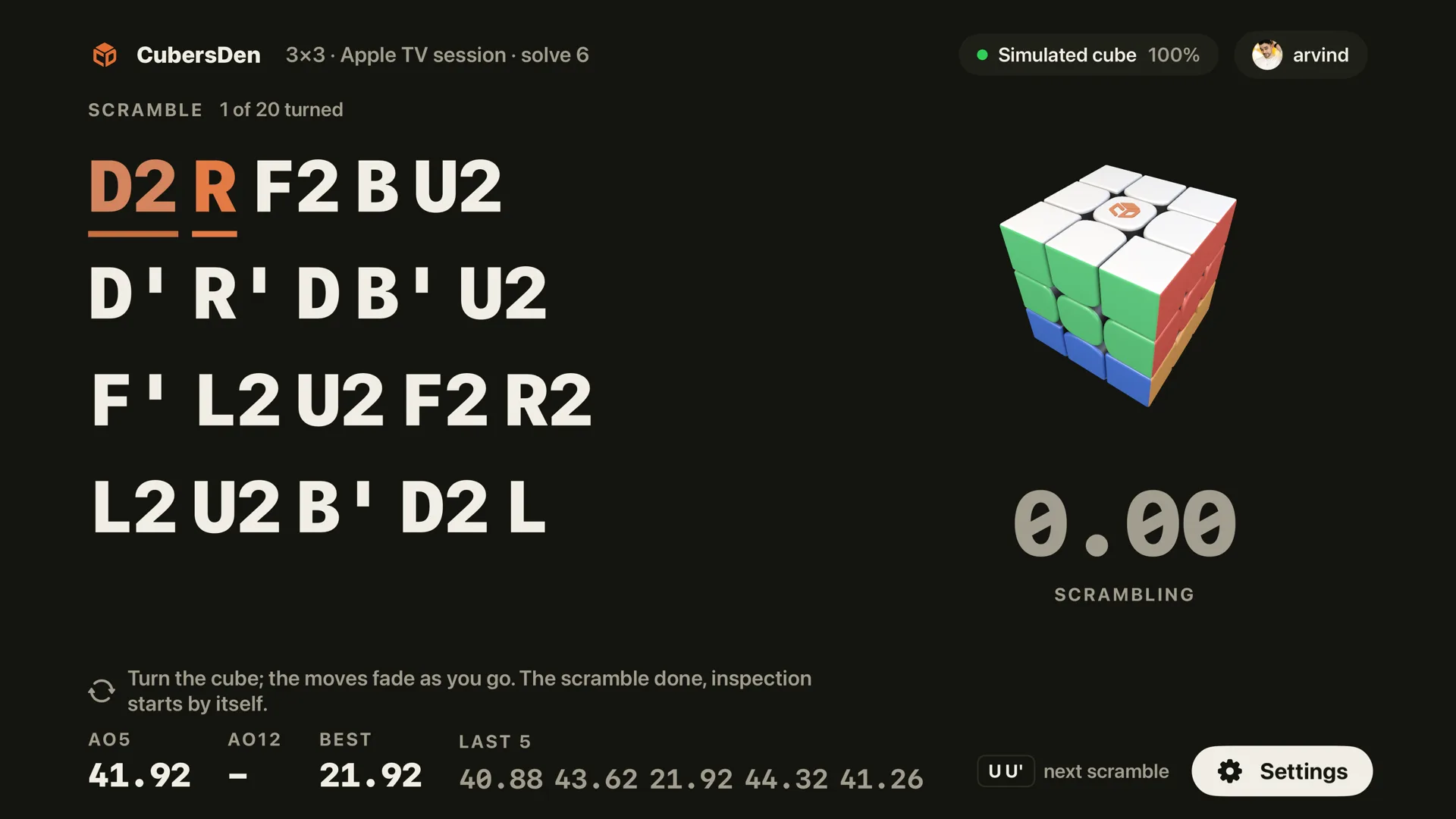
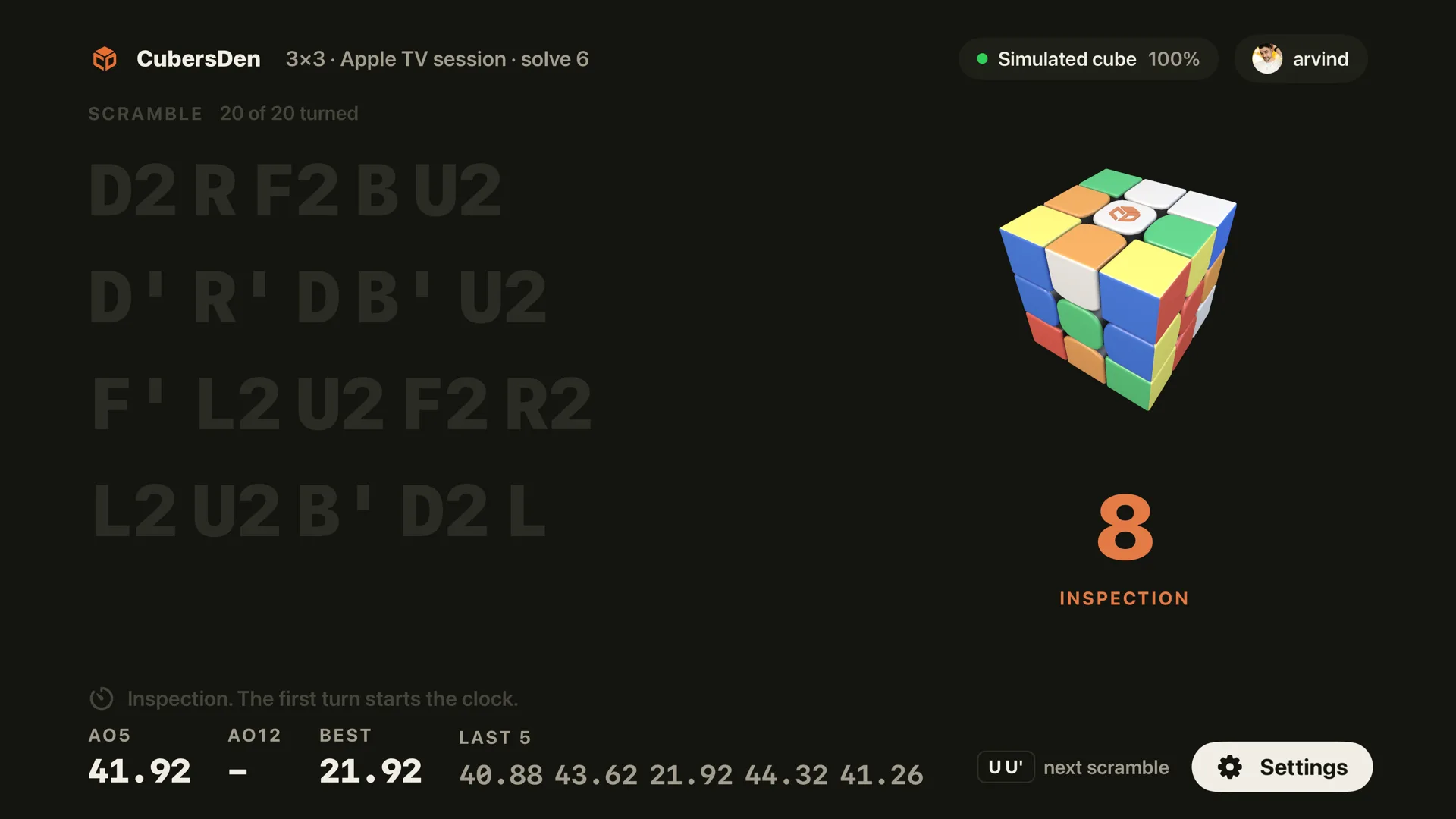
When the scramble is done, WCA inspection starts by itself. The first turn starts the clock, and the cube stops it the moment it is solved. There is nothing to tap, because there is nothing to tap on a TV.
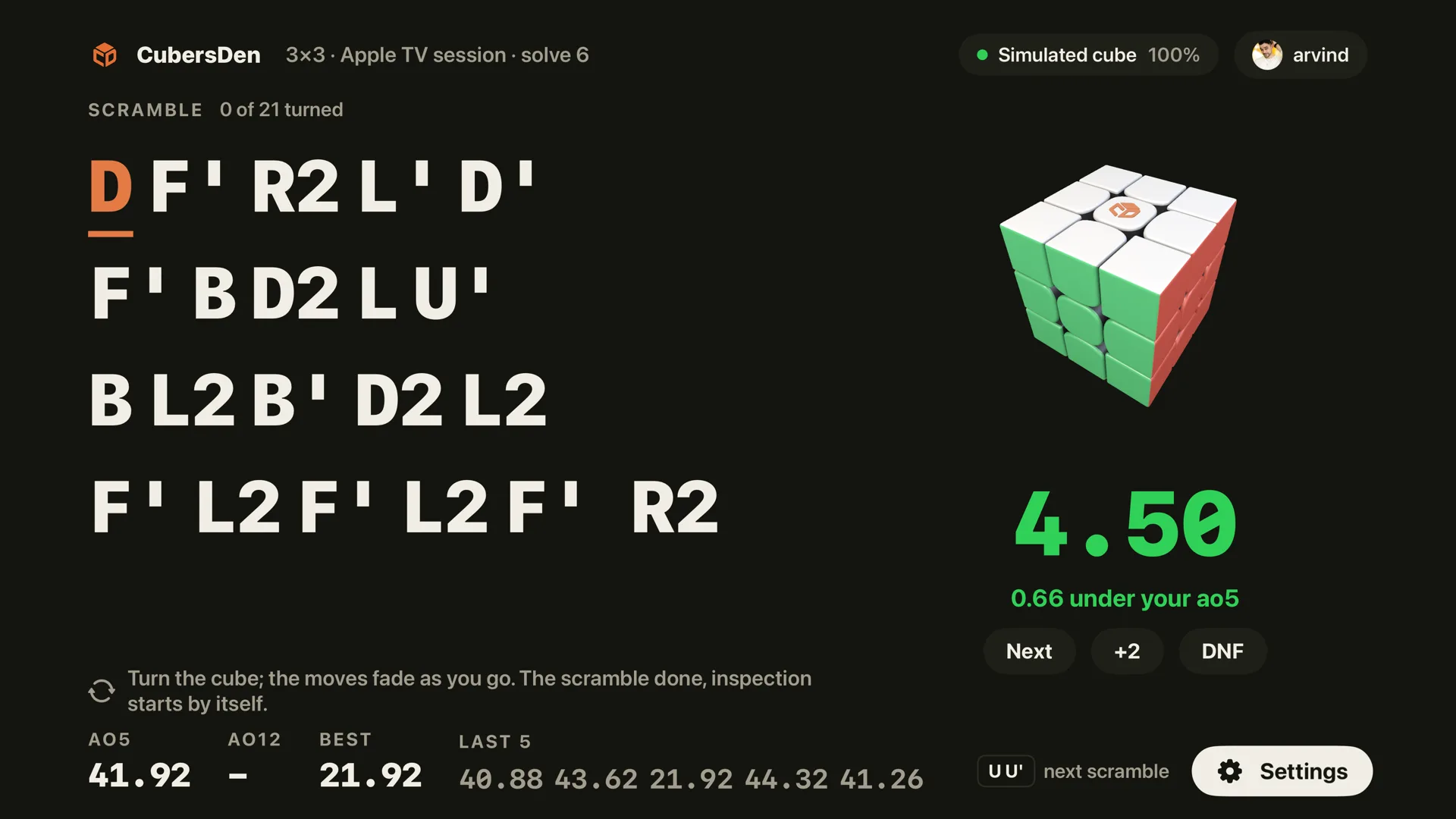
After a solve the time shows big and green, with how far it is from your ao5. Turn U U' on the cube and the next scramble is up. The remote only opens the settings: Zen (no inspection, no penalties, no averages), the WCA switches, sound.
Signing in without a keyboard
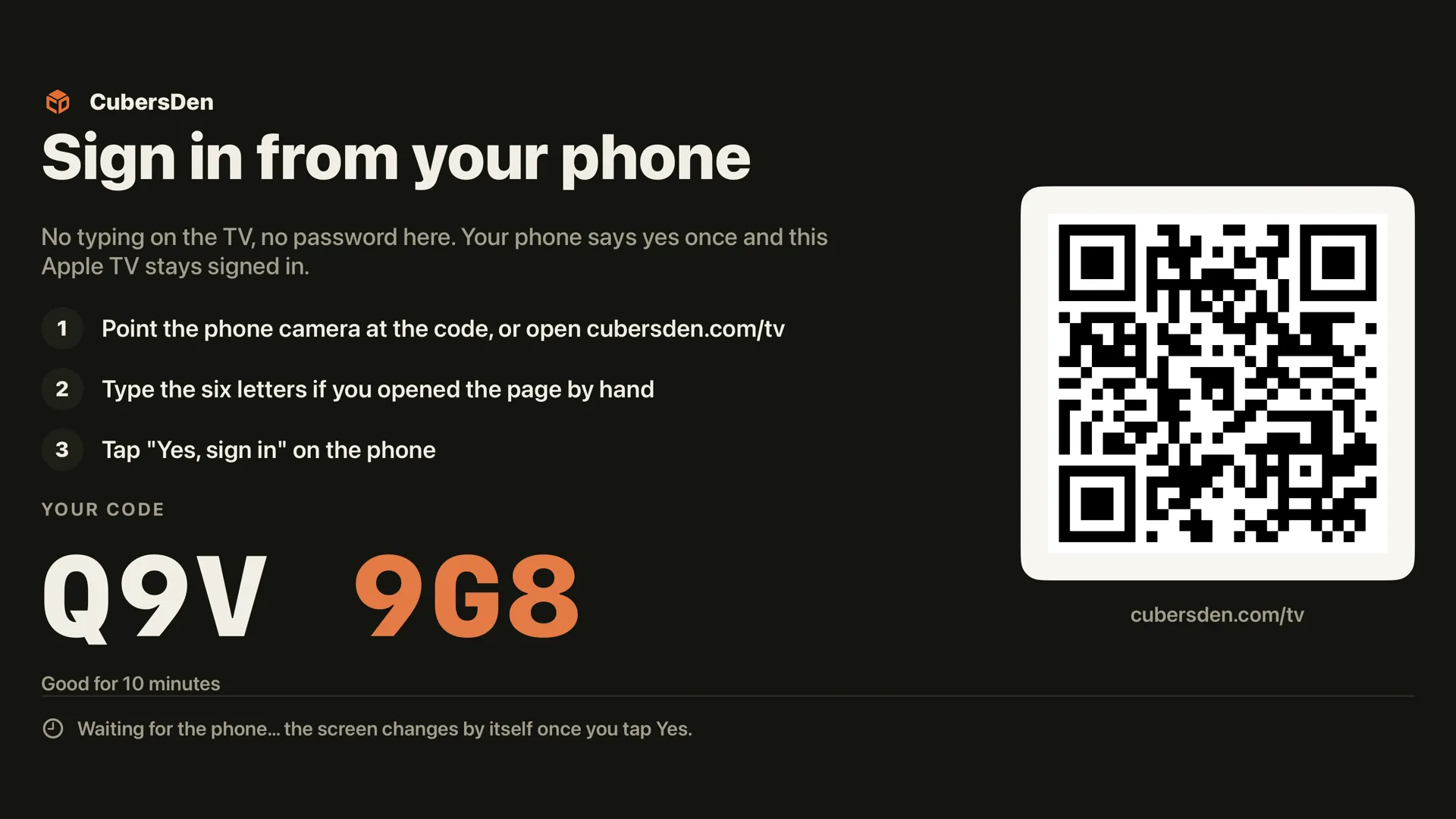
The TV never asks for a password. It shows six letters and a QR code. You open cubersden.com/tv on your phone, type the letters and tap Yes, sign in on the TV. The TV signs in by itself.
Your session, everywhere
Every solve on the TV lands in your CubersDen account with its full move stream, split into cross, F2L, OLL and PLL, and shows up on cubersden.com and in the phone app under its own session, called Apple TV. A solve timed on the TV says so on its page.
When can you get it
The app is with Apple for review right now. It is part of the CubersDen app in the App Store, so once Apple approves it you will find it on the TV's App Store under the same name, free, with the same account. We will update this article the moment it is live.
It works on any Apple TV 4K that runs tvOS 18 or newer, including the new one. You need a smart cube or a GAN Smart Timer to time solves; without one you can sign in and look around, but the clock belongs to the cube.